What are AI agents, and which ones actually help your business?
Many people think an AI agent is a magic robot you set loose in a company that runs everything and solves problems on its own. In reality, an AI agent is a system that receives a goal, decides which steps to take and carries them out directly in your tools (email, CRM, ERP), checking the result until it finishes or asks a person for help. It isn't for everything or for every case, so in this article we explain how it differs from a chatbot or an automation, how to tell whether your process needs one, and which ones are actually delivering results in companies.
AI agent, chatbot, generative AI or automation: how they differ
Generative AI (like a chat) is a genius locked in a room: it knows a lot, but it's isolated. You ask it "What ingredients am I missing to make pasta?" and it gives you a great list, but you have to get up, open the fridge, check what's there, open the grocery app, add the items to the cart and pay.
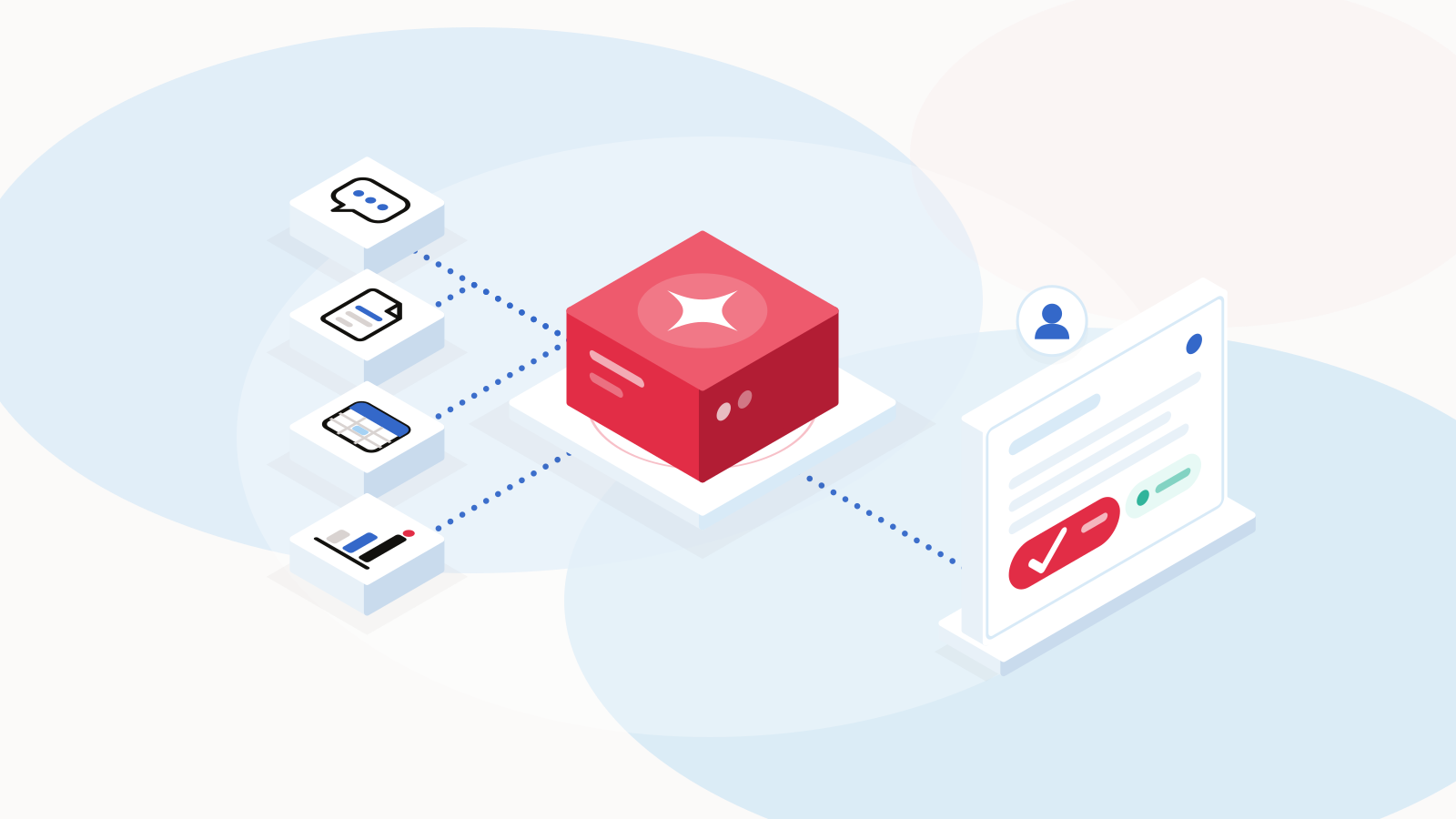
For an AI to stop being just a chat and become an agent, developers connect four basic things:
- The Brain (the LLM): It understands what you ask for and reasons through the steps needed to get it done.
- The Tools (APIs): Its "hands." This is the technical permission to connect to real systems: read your email, check inventory in a database, send a WhatsApp message or create a record in a CRM.
- The Memory: So it doesn't start from scratch every time. It remembers what you asked five minutes ago, what failed on the last attempt and what your rules or preferences are.
- The "Think -> Act -> Check" loop: This is the core difference. A traditional program follows a rigid recipe (if A happens, do B). An agent receives a goal ("solve this problem"), tries a step, looks at the result and, if something went wrong, corrects course on its own until it finishes or asks you for help.
A traditional chatbot would reply: "Press 1 for sales, 2 for support."
An AI agent, on the other hand, reads the customer's email, checks the shipping system to confirm that package #452 was in fact delivered today, reviews the company's policies to see whether a refund applies, creates the credit note in the accounting system and leaves a draft reply ready for the account rep, who checks that everything makes sense, adjusts what's needed and decides whether to send it.
Automation moves data without thinking; a chatbot follows a script; generative AI thinks but has no hands; and an AI agent combines both: it has judgment (based on the rules and instructions your team defines) to understand what's happening and access to your systems to resolve it.
Traditional automation (e.g., Zapier, or n8n in its classic use)
- How it works: Follows fixed rules ("If X happens, do Y").
- Understands natural language: No. It only reads structured data.
- Takes actions in your systems: Yes (moves data between apps), but without thinking.
- If something unexpected happens: It stops or throws an error.
- Cost and complexity: Low / Quick to implement.
- Best for: Repetitive processes where the rules never change.
Traditional chatbot
- How it works: Follows a script or a predefined button tree.
- Understands natural language: Very little (depends on exact keywords).
- Takes actions in your systems: No, or in a very limited way (e.g., it only captures one piece of data).
- If something unexpected happens: It gets stuck in a loop ("I didn't understand your option") or hands off to a person.
- Cost and complexity: Low / Quick to implement.
- Best for: Answering frequent questions (hours, location) or simple menus.
Generative AI (e.g., basic ChatGPT)
- How it works: Answers or writes text based on what you ask in the moment.
- Understands natural language: Yes, it understands context, tone and intent.
- Takes actions in your systems: No. It gives you the text or advice, but you have to carry it out.
- If something unexpected happens: It gives you a suggestion, but doesn't resolve the process.
- Cost and complexity: Very low (individual use).
- Best for: Drafting emails, summarizing text or brainstorming.
AI agent
- How it works: Receives a goal, reasons through the steps and uses tools to achieve it.
- Understands natural language: Yes, it understands context and cross-checks it with your real data.
- Takes actions in your systems: Yes. It goes into your CRM, ERP, email or calendar and carries out tasks.
- If something unexpected happens: It adapts, looks for another route or asks a person for approval.
- Cost and complexity: Medium-High (requires integrations, testing and controls).
- Best for: Solving complex, multi-step tasks with variable information.
How to tell whether your process needs an agent
An agent works best on specific tasks, with limited access to your systems and someone who approves what matters. These 5 criteria can help you identify whether a business process is a good candidate for an AI agent:
- Decisions with variable information: The process doesn't follow a rigid "if A happens, do B" rule; it requires reading context, interpreting intent or cross-checking data that changes from case to case.
- Several systems to check: To complete the task, someone today has to open several tools (CRM, ERP, email, spreadsheets) to find data and put together an answer.
- Repetitive work that needs human judgment: It's recurring manual work where a person repeats the same steps every day, but applies a bit of common sense each time.
- Enough volume: The task happens often enough (daily or weekly) that the time saved justifies the development cost and the monthly AI usage cost.
- Limited risk and human oversight: If the agent makes a mistake, the financial or legal impact is low and easy to fix, and a person can review or approve the final step (human-in-the-loop).
Quick decision rule: If your process meets at least 4 of these 5 points, it's a cost-effective candidate for an agent; if it meets fewer, it will probably be solved better and more cheaply with traditional automation.
AI agents that actually work in companies
The agents that actually work and deliver results today are the ones that operate like a super-fast, disciplined intern: you give them clear tasks, connect 2 or 3 specific tools, and always put a person at the end to review and approve important decisions.
Some examples:
Customer service by voice and chat: With platforms like Amazon Connect and Amazon Bedrock, it understands natural language by voice or chat, checks order status in your system and handles returns without rigid menus.
Internal document search (RAG): Connected to secure repositories (such as Amazon S3 + Bedrock), it answers employees' operational questions by searching only your official manuals and PDFs.
Document processing (back office): It reads invoices or purchase orders in PDF that arrive by email, validates the data against your accounting system and leaves the record ready for human approval.
Lead qualification (sales): It filters leads on WhatsApp or the web by budget and urgency, logs them in your CRM and books meetings only with qualified prospects.
At Pixzelle Studio we have experience working with AI agents on confidential projects in travel and services, such as automating bookings for an airline, managing residences in the real estate sector and handling reservations on a hotel platform.
In these projects, conversational flows and agents take care of tasks that used to require a person, such as checking availability, confirming or changing a reservation and answering frequent questions. As a result, users get what they need faster and the companies that use these products are more efficient.
When you don't need an agent
Sometimes a process seems to need an agent when it really doesn't. These are three signs you don't need one:
Processes with fixed rules ("If X happens, do Y"): When exactly the same thing always happens, with no exceptions (e.g., sending a welcome email when someone fills out a form, or copying data from Excel into your CRM). Traditional automation does it faster, cheaper and with no margin for error.
Low-volume or occasional tasks: If a process happens only a few times a month or takes 10 minutes to do by hand (e.g., generating a monthly closing report), building and maintaining an agent costs more than the time it saves.
Critical decisions with no margin for error: Financial or legal processes where a single mistake costs money or creates regulatory problems (e.g., authorizing bank transfers or signing contracts automatically without human review).
In these cases, well-built automation is usually enough. In an upcoming article we'll look at when a tool like n8n is enough and when custom development makes more sense.
Is your company ready for an AI agent?
Before you invest, check whether your operation has the basics:
- Does your team lose hours every week on repetitive tasks across several systems (CRM, ERP, email, Excel)?
- Do your customers or employees expect faster answers than your team can give today?
- Is your key business information (catalogs, manuals, statuses) already digitized and accessible?
- Can your current tools connect through APIs or integrations?
- Have you identified a specific, well-defined process to start with, instead of trying to automate the whole company at once?
- Do you have someone on your team who can oversee and approve the agent's important decisions?
If you answered yes to most of them, your operation is ready to try an agent. If you answered no to several, the first step is to digitize your information, connect your systems or choose a specific process to start with.
How to choose the right agent
There are very good options on the market, so what matters isn't choosing the most hyped or the newest, but the one that best fits your operation. Before you decide, ask yourself these questions:
- What data will the agent work with, and where is it stored?
- At what point does a person step in, and who approves what?
- How much does it cost per use each month, on top of the integration?
- How is sensitive information protected, and who has access to it?
- How will we measure whether it works, and what will we compare it against?
- What happens if the agent makes a mistake, and how is it corrected?
If the answers are clear and the way it works fits what you're looking for, then it's worth taking the next step.
The risks and how to control them
Using AI agents has many benefits, but it also comes with some risks worth knowing from the start. That's why here are 4 of the most common risks and the most practical way to control each one:
- Wrong answers or "hallucinations": If the agent can't find a piece of data, it may sometimes make it up to meet its goal. Control: Connect it only to your official sources (RAG), set strict limits (guardrails) and require human approval for important decisions.
- Exposure of sensitive data: A poorly configured agent can show confidential information to the wrong person. Control: Apply role-based permissions (so it only accesses what that person is authorized to see) and use private enterprise environments where your data doesn't train public models.
- Uncontrolled variable costs: Unlike fixed-price software, agents charge per use (tokens). If one gets stuck in an infinite loop or receives thousands of junk requests, the bill goes up. Control: Set step limits per task, monthly budget caps and usage alerts.
- Dependence on a single provider: Building your whole operation around a single model or platform leaves you exposed if prices go up or rules change. Control: Design a modular architecture that lets you switch AI models (for example, between models from OpenAI, Anthropic or Google, or between platforms like Amazon Bedrock) without rebuilding the whole system.
How we work at Pixzelle Studio
We start with the process, then the technology. With a senior team, we define what the agent needs to solve, which systems it touches and at what point a person approves.
We build on platforms like Amazon Connect and Amazon Bedrock, with role-based permissions and usage limits from the design stage. We've spent 13 years and delivered more than 300 software projects from Mexico, and today AI development is part of how we work.
We ask ourselves the same six questions from this article before choosing an agent, both on client projects and for our own internal use.
How to get started
Implementing an AI agent doesn't have to be an endless or risky project. It's simpler than it seems if you start small. These are the steps we recommend:
- Pick a single process: the one that takes up the most hours and meets the criteria above.
- Define how you'll measure success: response time, hours saved or errors avoided, using your current numbers as the baseline.
- Run a focused pilot: a single team and a person who reviews every important decision.
- Compare and decide: if the pilot improves the numbers, scale it; if not, adjust it or replace it with simpler automation.
At Pixzelle Studio, the pilot runs as a PXL Project: a focused scope, a single process and a goal you can measure. If it works and you want to add more processes, we continue with PXL Dedicated, a senior Pixzelle Studio pod that works as part of your operation, or with PXL Flex, monthly capacity you adjust to what you need.
Tell us about the process, and on a call we'll help you decide whether it needs an agent or simpler automation, and which work model makes sense to start with. Talk to our team or describe your project in our quote estimator. To see how we do it, explore PXL Intelligence.
Frequently asked questions
Will an AI agent replace my team?
No. It takes care of the repetitive work and leaves your team the decisions and the cases that require judgment. In the projects that work, a person always approves what matters.
How long does it take to implement?
It depends on how many systems need to be connected and how organized your information is; a focused pilot is the fastest way to start.
Do I need to get my data in order first?
It helps a lot. An agent's answers are only as good as the information it can access; if your manuals, catalogs or statuses aren't digitized, that's the first step.
What work model do you use?
We start with a focused pilot under PXL Project. If it works and you want to continue, we move on to PXL Dedicated or PXL Flex.
Further reading
Anthropic, Building effective agents: anthropic.com/research/building-effective-agents (A clear explanation of the difference between automated workflows and agents, and when each one makes sense.)
DeepLearning.AI (Andrew Ng), Agentic Design Patterns: deeplearning.ai/the-batch/how-agents-can-improve-llm-performance/ (A series of short articles in The Batch on the 4 main patterns: reflection, tool use, planning and multi-agent collaboration.)
Google Cloud Architecture Center, Choose a design pattern for your agentic AI system: docs.cloud.google.com/architecture/choose-design-pattern-agentic-ai-system (An excellent reference on real enterprise patterns, security and choosing an architecture.)
Ricardo López
More articles by Ricardo