How OCR Is Used Today
Let’s say you want to extract the information from a text, an article, an interview, a contract or a payment receipt, so you can digitize it and write an article, find text patterns or simply interpret it for a specific purpose. There’s an effective solution that extracts text from scanned documents: OCR technology.
Digitizing information
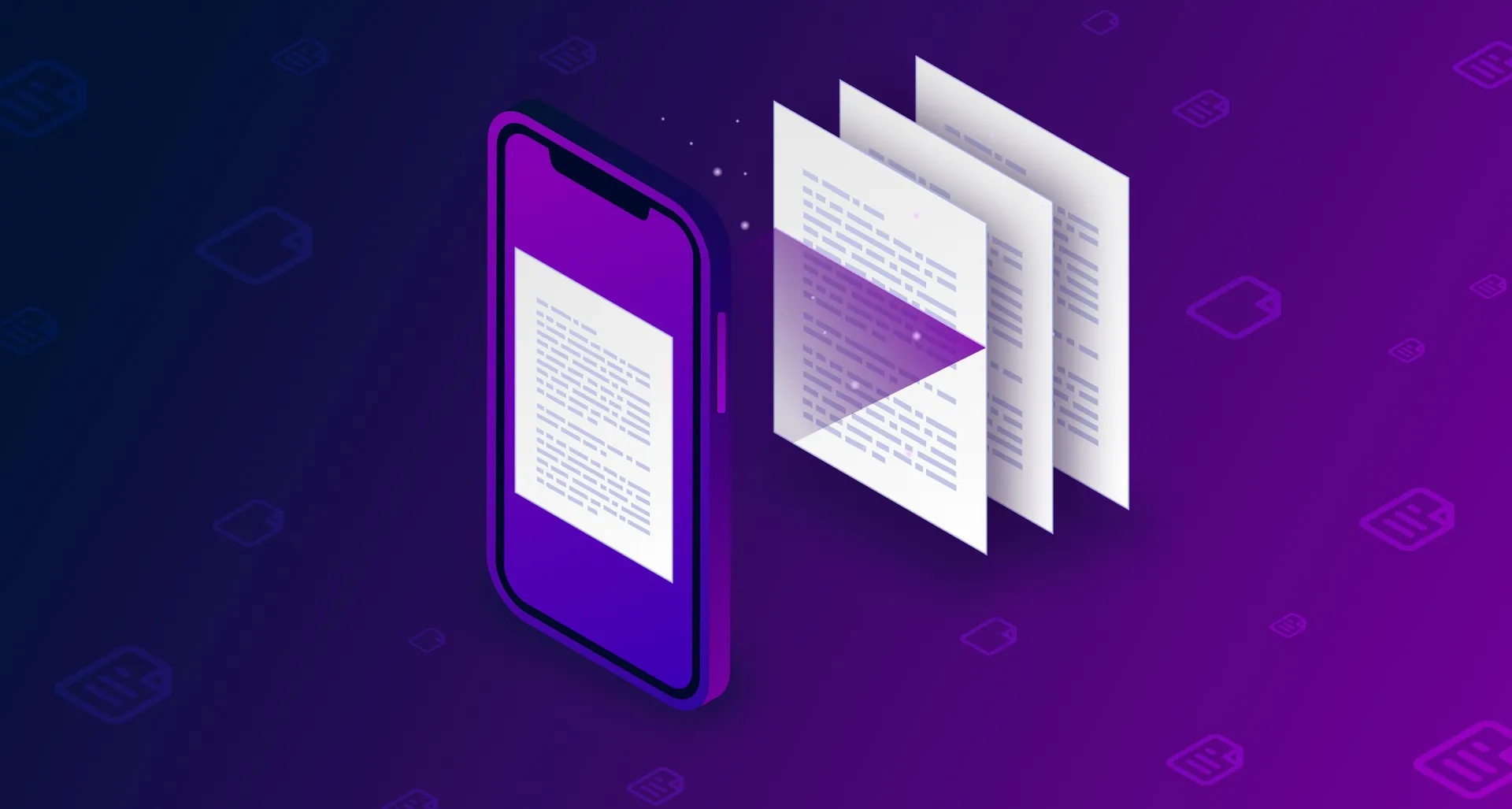
Let’s say you want to extract the information from a text, an article, an interview, a contract or a payment receipt, so you can digitize it and write an article, find text patterns or simply interpret it for a specific purpose. The first solution is to spend hours retyping it and then correcting the typos before you can use the information, a process so long and tedious that nobody wants to do it. Another solution is to convert the material into a digital format, whether as images, PDFs or another type of file. But there’s a more effective solution that extracts text from scanned documents: OCR technology, or Optical Character Recognition.
What is OCR technology?
It’s a technology for digitizing text. It automatically identifies symbols or characters from a given alphabet within an image and then stores them as data, so we can work with them in a text editor or similar program.
With this technology, we can replace the manual process of extracting data from documents, avoiding typing errors, saving time and getting rid of tedious tasks.
What has to happen to get text from an image?
For OCR technology to tell text apart from an image, it uses different algorithms that follow different processes. The most widely used algorithm is called “binarization,” which converts a color image into a black-and-white one to speed up the identification of text in the image while keeping its properties. Internally, a graphic representation of the histogram is created. From there, the image goes through a fragmentation or segmentation process, which tries to isolate the components that make up the image itself. Then it tries to remove the points along the outline of each component (each letter) while respecting its shape. And finally, the program compares the resulting characters with patterns stored in a database.
What is OCR used for?
Since OCR algorithms appeared, many services have added these processes to improve their performance, and others are built entirely on these technologies. These are some of the most notable applications that use OCR:
- Handwritten text recognition
- License plate recognition
- Database indexing
- Structured data recognition
Conclusion
From all of the above, we can see that, despite technological advances, OCR still faces several challenges, since it remains limited with more complex documents, like old handwritten documents or diagrams. These limitations include cases where characters are too close together, or when the image contrast isn’t enough to tell where one character starts and ends; in those cases, the generated text needs a manual review and correction afterward. But despite its challenges, we can conclude that it’s an excellent tool for automating information collection, and as contrast algorithms improve, OCR processing will get better.
How about adding this technology to your app? Tell us about your project and we’ll advise you on the best way to use it. At Pixzelle Studio we’re committed to giving you the best guidance and using the best technology in your apps. Get a quote with us!
If you want to learn more about the topic, take a look at these references:
Alain Pereida